chalk explains things by drawing them.
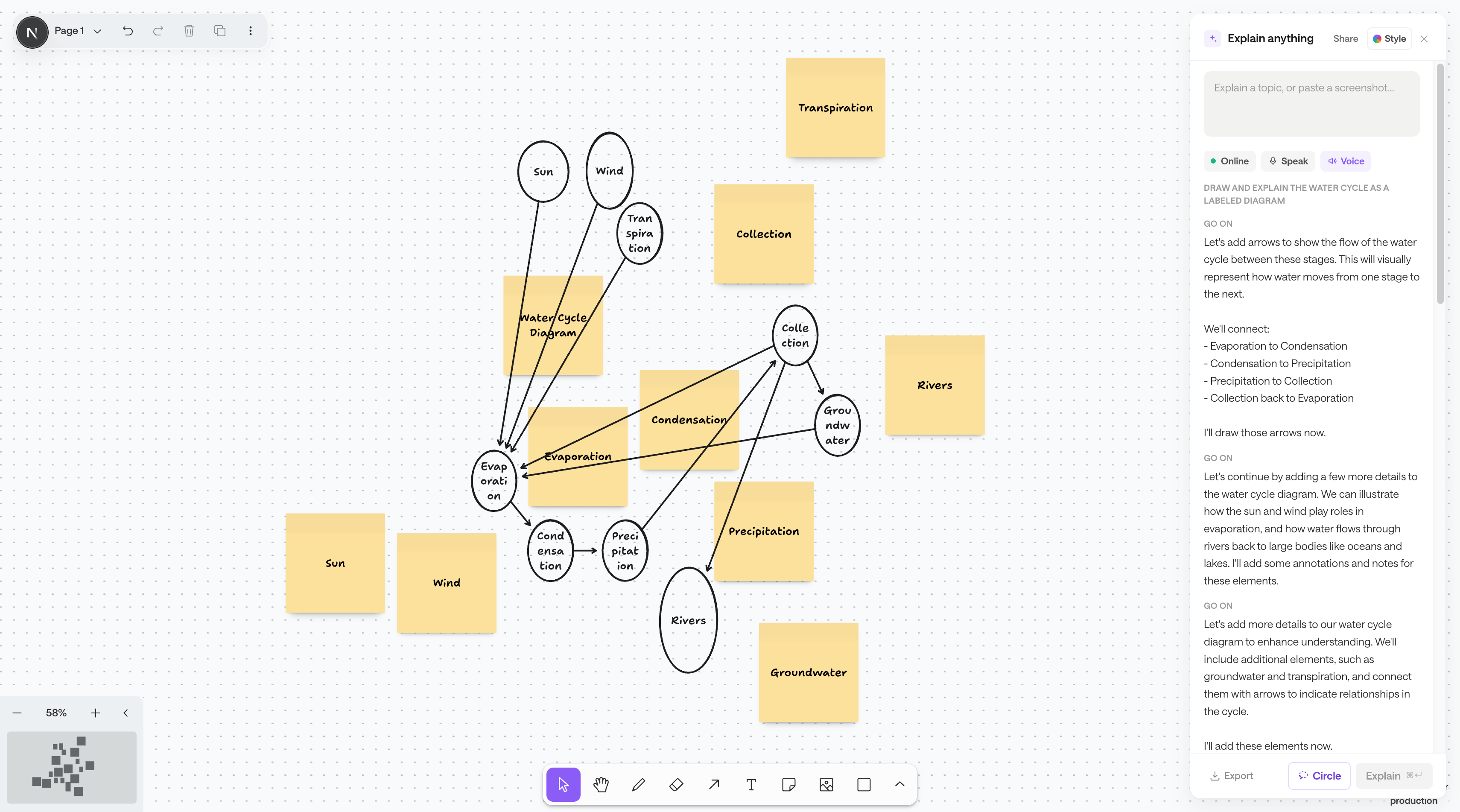
Give it a topic or a screenshot. Instead of a paragraph, chalk draws the answer — live, one shape at a time, on an infinite canvas you keep.
One canvas. However you start.
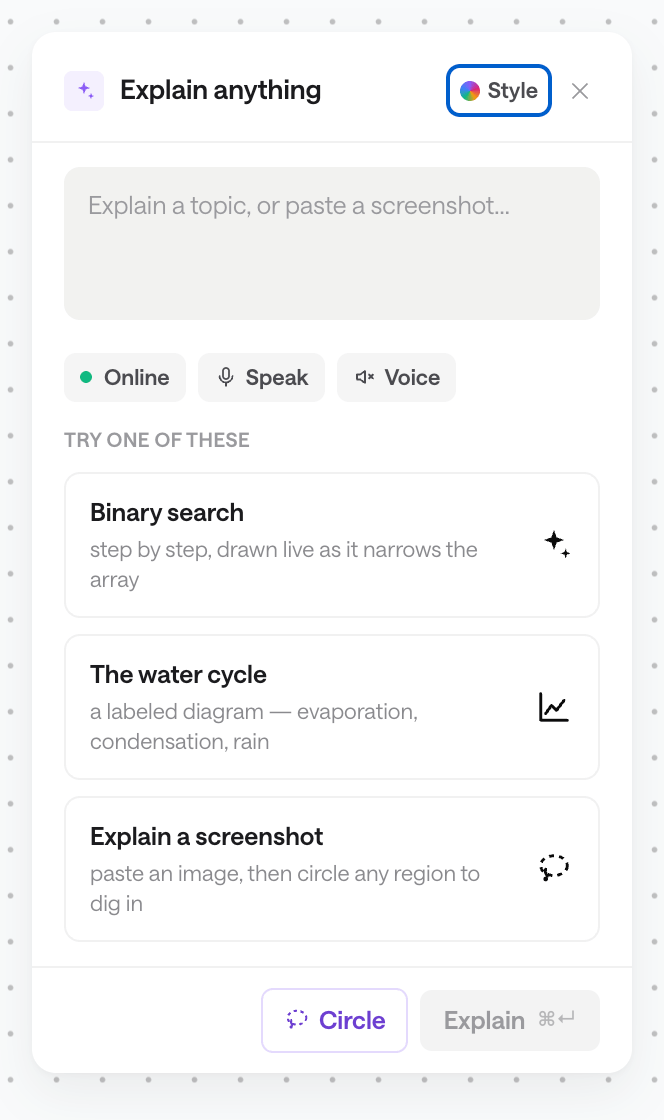
Ask a question, paste a screenshot, or drop in an idea — chalk draws it out, live, one shape at a time.
Streamed, not dumped
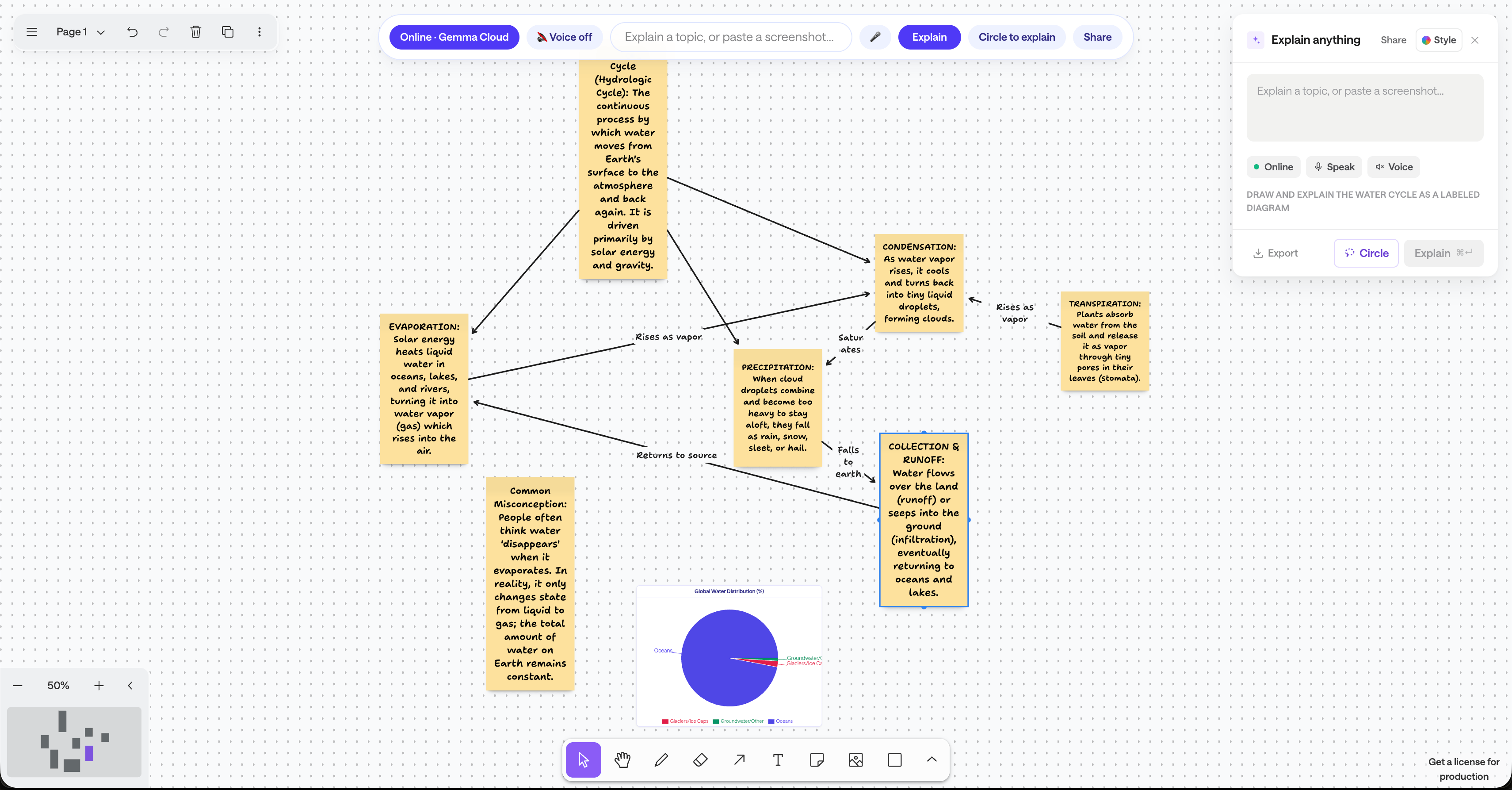
Shapes appear one at a time as chalk works, so it never feels like a wall of AI text.
Circle to explain
Lasso any confusing part of a screenshot and get a focused explanation anchored right there.
Talk it through
Speak a topic instead of typing it, then let chalk read its notes back to you, via GPT-Realtime, as it draws.
Every session is a replay, not just a screenshot.
chalk saves how an explanation was built, step by step — replay it, or export it as a narrated video.
Start from a prompt, a sketch, or a screenshot
Type a topic, paste an image, or hit the hotkey — chalk grounds itself on something real before it draws a single line.
Explore groundingHow binary search works
Narration by GPT-Realtime

Narrated replays
Export any session as a video with GPT-Realtime narration reading the notes as they're drawn.
“Precision-sensitive topics get grounded in a real image. Everything else, chalk draws freehand.”
tools behind every drawing — add_note, add_shape, add_arrow, add_chart, place_image, annotate, search_reference_image.
Built with
What chalk can explain
Precision topics get anchored to a real image before chalk draws a single line — everything else, it draws freehand.
chalk also runs on your whole screen
The Mac app is the same canvas with one thing added: it can read what's already in front of you.
Ask about any screen, not just ours
Hold ⌘⌥ over Excel, Figma, a terminal, a PDF — anything. It captures when you let go, so chalk sees what you were looking at while you spoke.
The pointer leaves the page
chalk draws on top of the app you're in and walks you through it there, instead of describing where to look and letting you find it.
Every answer still becomes a board
Same document the website builds, so a question you asked in another app is sitting in your library afterwards — shareable and replayable.
Apple silicon · macOS 14 or newer · free while in beta
Explanations shouldn't have to wait their turn.
Give chalk a topic or a screenshot and watch it draw.
Try chalk free